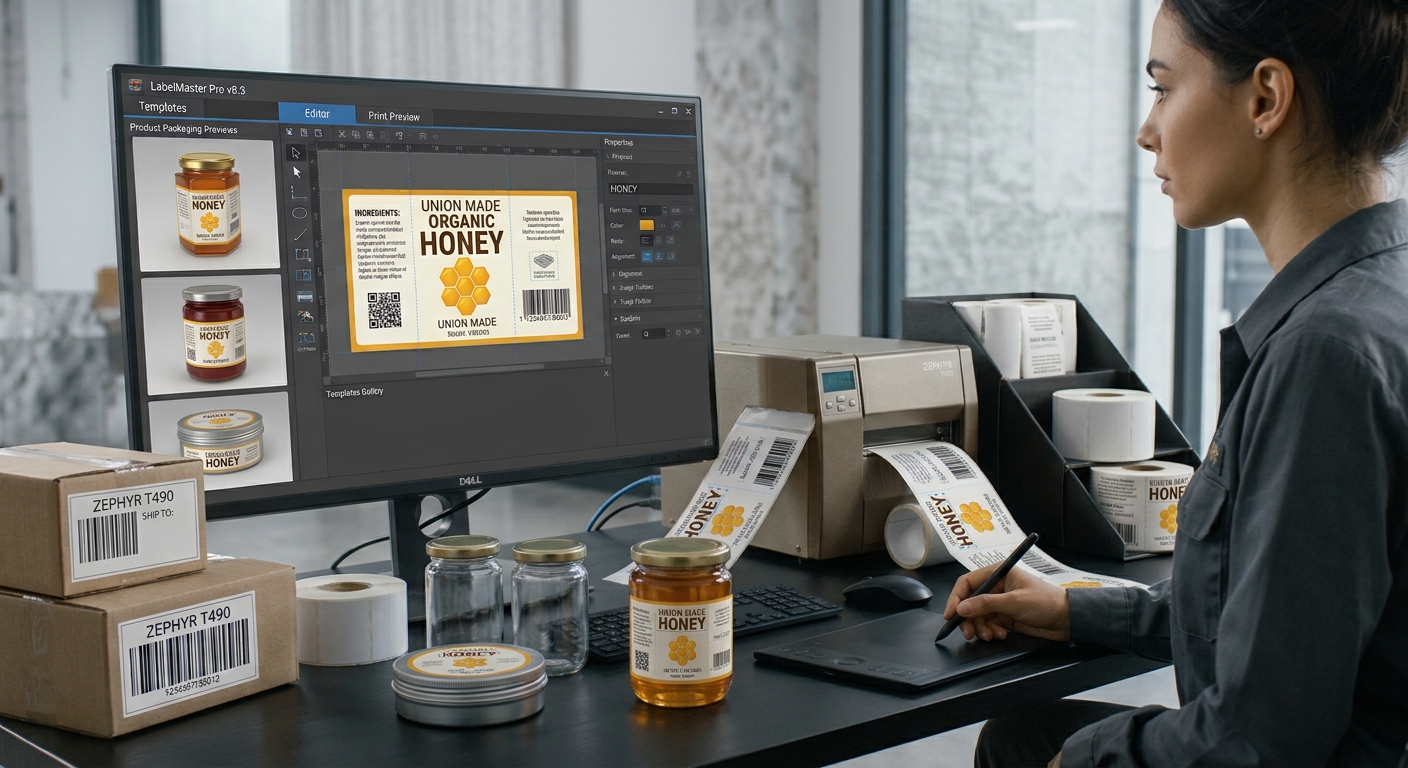
For small businesses, creating and printing labels is often a shared responsibility rather than a dedicated job. Employees may need to update product details, prepare shipping labels, manage inventory, and print barcode labels while handling other daily tasks. Choosing the right workflow can make these activities easier, reduce mistakes, and help everyone work more consistently. Exploring resources such as union-barcode.com can be a useful starting point when comparing labeling tools and identifying features that match a team's requirements.
The best workflow is not necessarily the most complicated one. Small teams usually benefit from a practical setup that is easy to learn, affordable to maintain, and flexible enough to accommodate changing business needs. Understanding how labels are created, reviewed, and printed can help businesses make a more informed decision.
1. Identify Your Everyday Labeling Tasks
Before choosing software, list the types of labels your team produces regularly. A retail shop might need product labels, price tags, and barcode labels, while an online seller may focus on shipping labels and packaging information. A warehouse may require shelf identifiers, stock labels, and location codes.
Consider how often labels are printed and how many different products need them. A business printing a few labels each day may have different requirements from a team processing hundreds of orders.
Understanding these tasks helps you prioritize essential features instead of paying for tools that offer functions your team rarely uses.
2. Choose Between Browser-Based and Desktop Tools
One important decision is whether to use a browser-based labeling tool or desktop software.
Browser-based solutions may provide convenient access from supported devices and can be useful when several employees need to work with shared resources. However, availability depends on the platform, internet connection, and supported features.
Desktop applications can suit businesses that use a dedicated computer for label production. Depending on the software, they may offer local file access, detailed design controls, and workflows suited to regular printing tasks.
Before deciding, check printer compatibility, operating system requirements, data access options, and whether the application can work reliably in your business environment.
3. Look for Simple Design and Reusable Templates
Small teams rarely have time to redesign every label from scratch. Reusable templates allow employees to maintain consistent layouts while updating details such as product names, prices, SKU numbers, and barcodes.
Choose a tool with straightforward design controls, adjustable label dimensions, and the ability to save frequently used layouts. Templates should be easy for different team members to understand and reuse.
Consistency matters because several employees may produce labels for the same product range. Standard fonts, spacing, and barcode placement help maintain a professional appearance and reduce confusion during daily operations.
4. Make Product Data Easy to Manage
Manual data entry can become a major source of errors when teams manage large product catalogs. Software that supports spreadsheet imports or connections to existing business systems can reduce repetitive work.
For example, a team may maintain product names, prices, and SKU values in an Excel file. Importing these details into a label template can help generate multiple labels without entering every field individually.
Before printing, review the imported data for missing values, outdated prices, and incorrect product identifiers. If barcodes are included, confirm that each encoded value matches the intended item.
5. Check Printer Compatibility and Print Quality
A labeling workflow should work with the equipment your team already uses or plans to purchase. Confirm that the software supports your printer, label sizes, and preferred printing method.
Thermal printers are common for shipping and inventory applications, while inkjet and laser printers may suit compatible sheet labels and certain product designs.
Print a sample before producing a full batch. Check alignment, text readability, barcode dimensions, and the spacing around each barcode. Test barcodes with the scanners used in your business to confirm that the printed results work in practice.
6. Establish a Clear Team Process
Even suitable software cannot prevent every mistake without a consistent working process. Decide who can edit templates, who approves product information, and who checks labels before large print jobs.
Keep approved templates in an organized location and use clear file names. When product prices or details change, establish a process for updating records and removing outdated labels.
A short written procedure can help new employees follow the same steps and reduce dependence on individual knowledge.
7. Consider Cost and Future Growth
Compare the full cost of each solution, including subscriptions, licenses, upgrades, and additional users. Consider whether the software can handle a growing product catalog, higher printing volumes, and additional printers.
Choose a workflow that meets your current requirements without creating unnecessary complexity. A simple, dependable system can be more valuable than a feature-heavy solution that employees struggle to use.
Conclusion
Small teams can build an effective label design workflow by identifying their printing needs, choosing suitable software, organizing product data, and establishing consistent review procedures. Reusable templates, printer compatibility, and accurate barcode information all contribute to reliable results. By focusing on practical features and future requirements, businesses can save time, reduce labeling errors, and keep everyday operations running smoothly.
#SmallBusiness #Productivity #LabelDesign